Unity is one of the leading game engines in 2026. It helps developers build games for mobile, PC, console, AR, and VR platforms. Because of its flexibility and powerful tools, both indie developers and large studios rely on it. However, many developers still face common Unity development mistakes. These mistakes affect performance, increase development time, and reduce overall game quality. Therefore, understanding these issues early helps teams build stable and optimized projects. In this blog, we will cover the most common Unity mistakes and how to avoid them.
Why Avoiding Common Unity Development Mistakes Is Important
Game development involves multiple stages, including coding, testing, optimization, and deployment. If mistakes happen during early development, they become harder to fix later.
Avoiding common Unity mistakes helps you:
Improve performance
Reduce bugs and crashes
Maintain clean project structure
Deliver better gameplay experience
Now, let’s explore the most common Unity development mistakes in 2026.
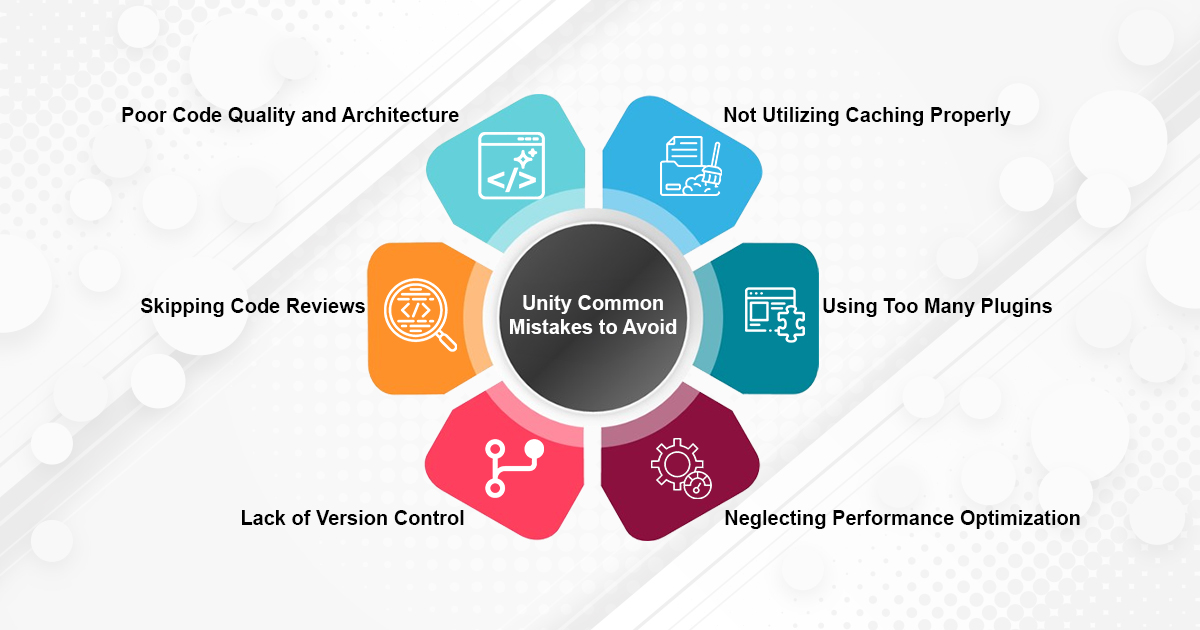
1. Poor Code Structure and Architecture
Why It Happens
Developers often focus on adding features quickly. As a result, scripts become large and tightly connected.
How to Avoid It
Keep scripts small and modular
Follow clean coding practices
Refactor code regularly
Clean architecture makes projects easier to scale and maintain.
2. Ignoring Performance Optimization
Common Issues
Performance problems usually appear because of:
Large textures
Too many draw calls
Heavy Update() functions
Best Practices
Use Unity Profiler regularly. Optimize assets early and test on real devices whenever possible. Early optimization reduces future performance risks.
3. Not Using Object Pooling
Frequent object creation and destruction cause memory spikes. This often affects frame rate. Instead, reuse objects such as bullets, enemies, and particle effects. Object pooling improves runtime performance and stability.
4. Using Too Many Plugins
Problems Caused by Excess Plugins
Increased build size
Compatibility conflicts
Update-related errors
Install only essential plugins. Also, remove unused assets to keep the project lightweight.
5. Skipping Version Control
Version control is essential for team-based development. Without it, files may be overwritten or lost. Use Git from the start of the project. Create branches for new features and commit changes regularly. This improves collaboration and project safety.
6. Poor Scene Management
Large scenes increase loading time and memory usage. They also slow down development workflows.
To improve scene management:
Split large scenes
Use additive loading
Organize the hierarchy properly
Better scene structure improves performance.
7. Inadequate Testing
Testing is sometimes delayed until the final stages. However, this increases the risk of bugs after release. Perform regular playtesting and test on real devices. Early testing helps detect issues faster.
8. Ignoring Platform-Specific Optimization
Unity supports multiple platforms, but each platform has different hardware limits.
For example:
Mobile devices require lighter assets
VR games require stable frame rates
Therefore, adjust quality settings based on the target platform.
9. Improper Memory Management
Memory issues can cause crashes and performance drops.
To prevent this:
Monitor memory in Unity Profiler
Release unused assets
Use Addressables when needed
Proper memory management ensures stable builds.
10. Not Keeping Up with Unity Updates
Unity releases updates with new tools and performance improvements. However, updating without testing can break projects. Always test updates in a separate branch before applying them to production.
Why Choose Inventive Studio?
Inventive Studio is a professional game development company focused on building high-quality and performance-driven games. Our team follows structured workflows, strong optimization practices, and scalable architecture.
Conclusion
Unity remains a powerful game engine in 2026. However, successful projects depend on strong development practices.
By avoiding these common Unity development mistakes, you can improve performance, maintain clean architecture, and deliver better player experiences. Focus on clean code, regular testing, controlled plugin usage, and platform optimization.